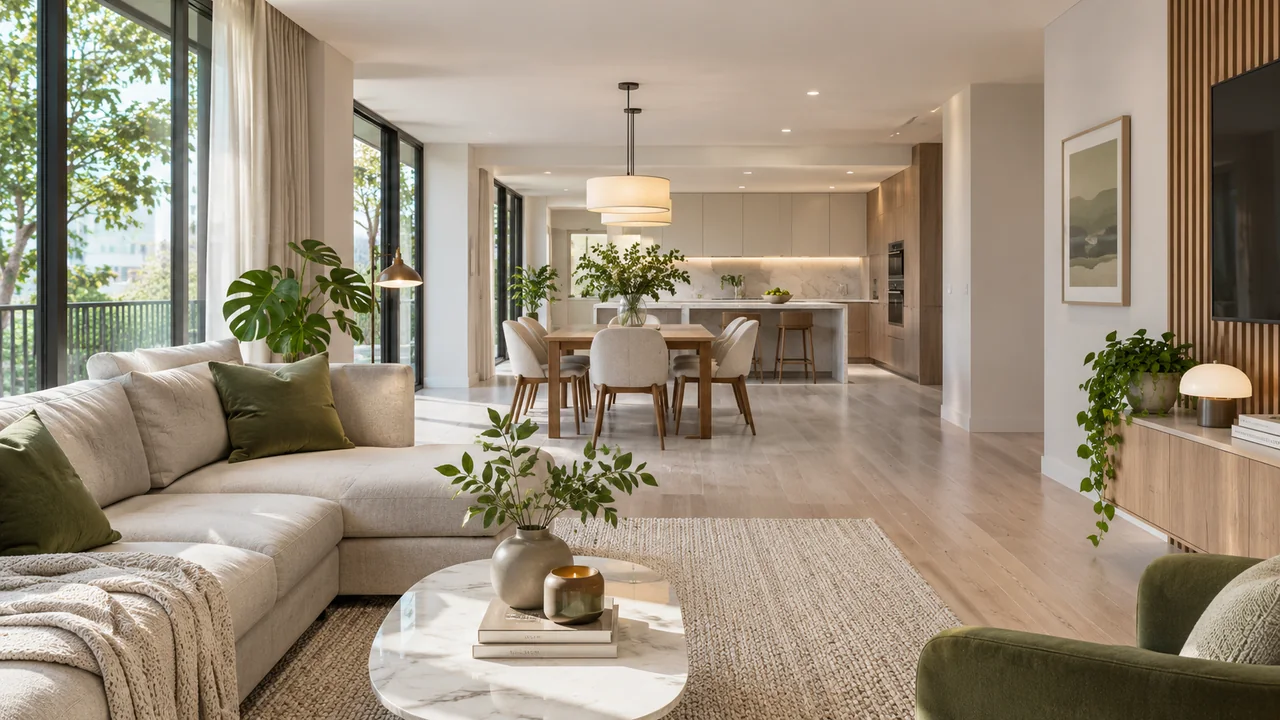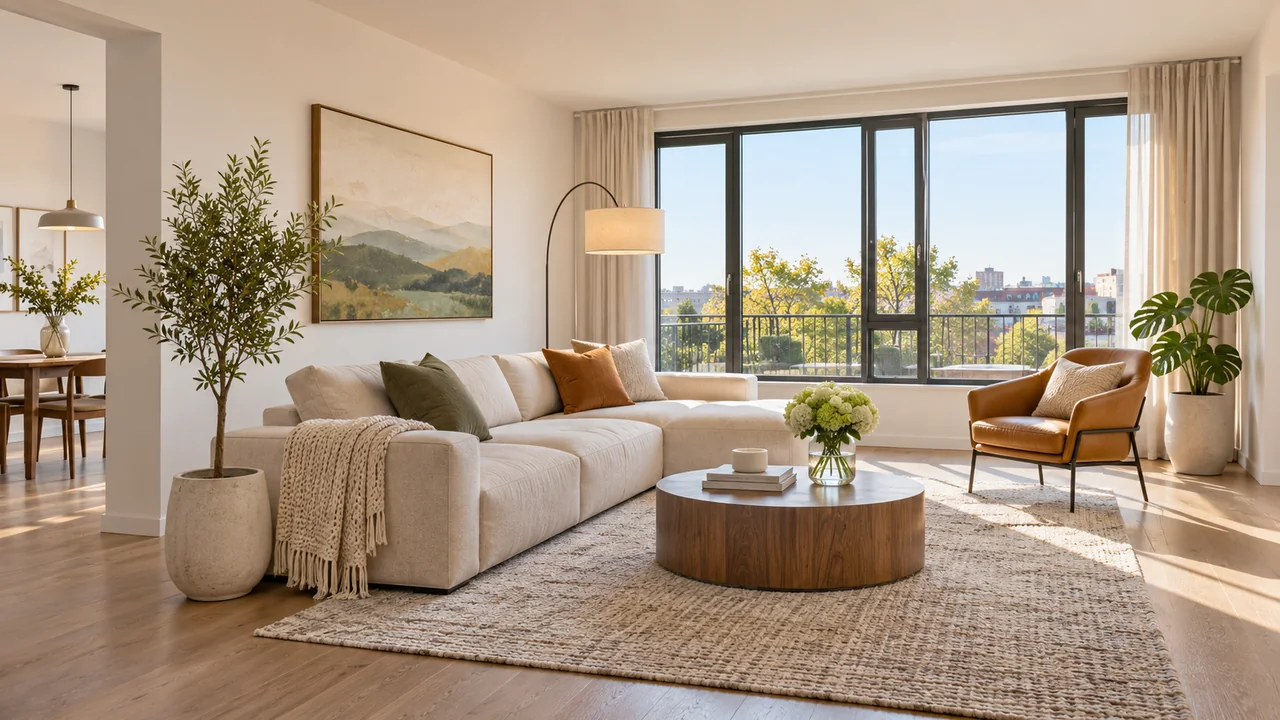

Start with apartment photos
Add one to eight photos per room in the chat. If you have a floor plan, you can attach it too.
Open Myuva chat
Start with a conversation
Add your photos to Myuva chat. The assistant asks about your ideas and any measurements needed, then prepares a 3D tour. Floor plans and the manual editor are additional tools when you need them.
Add one to eight photos per room in the chat. If you have a floor plan, you can attach it too.
Open Myuva chatTell us what you want to see, review the photos and confirm the cost before your tour is generated.
Explore your finished tour. Share a viewing link or send a printable QR code.
Explore example toursUse credits for AI generation. Review the estimate in the Studio before starting another project.
View plansUpload a PNG, JPG or PDF plan, set the scale and build the apartment geometry. Arrange furniture, walk through the rooms and publish a tour.
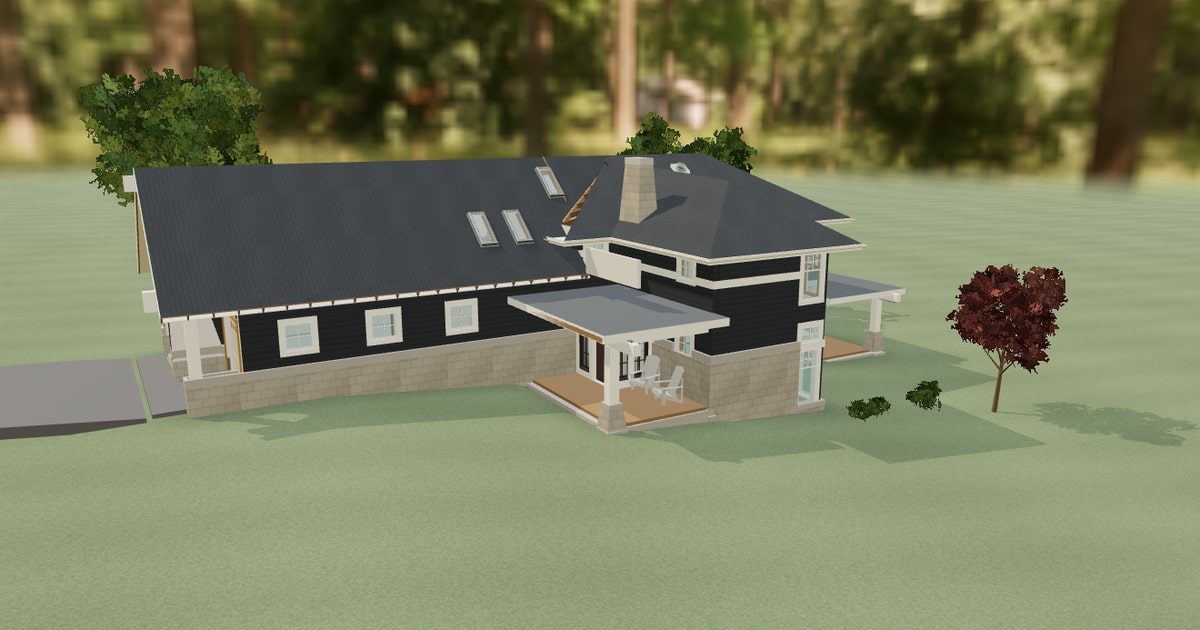
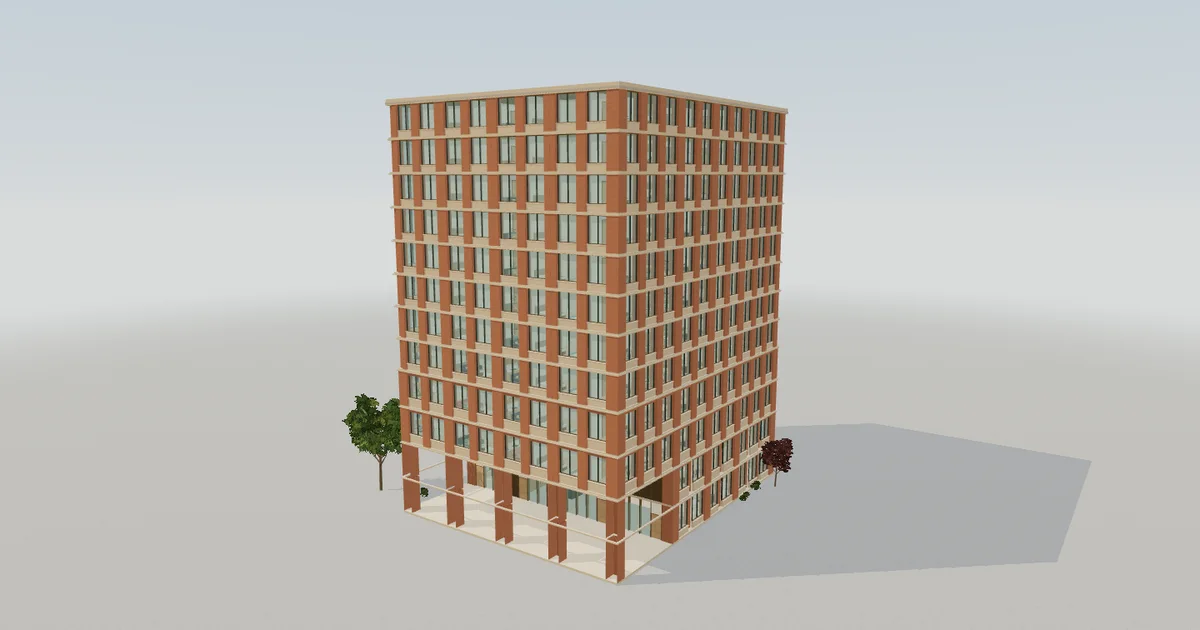
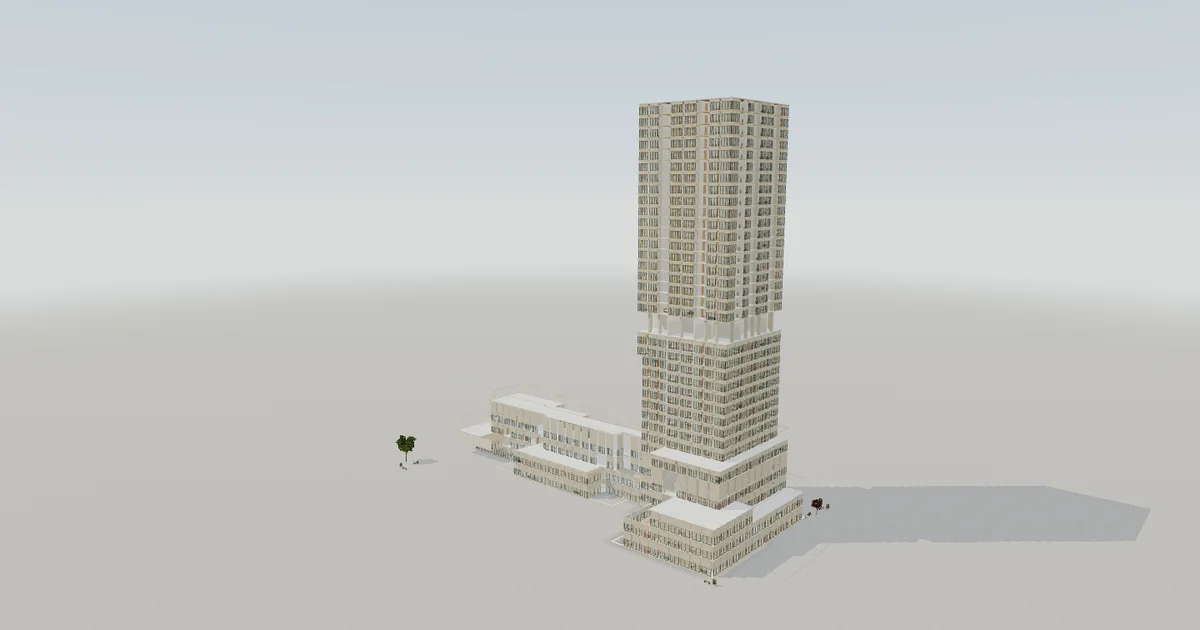
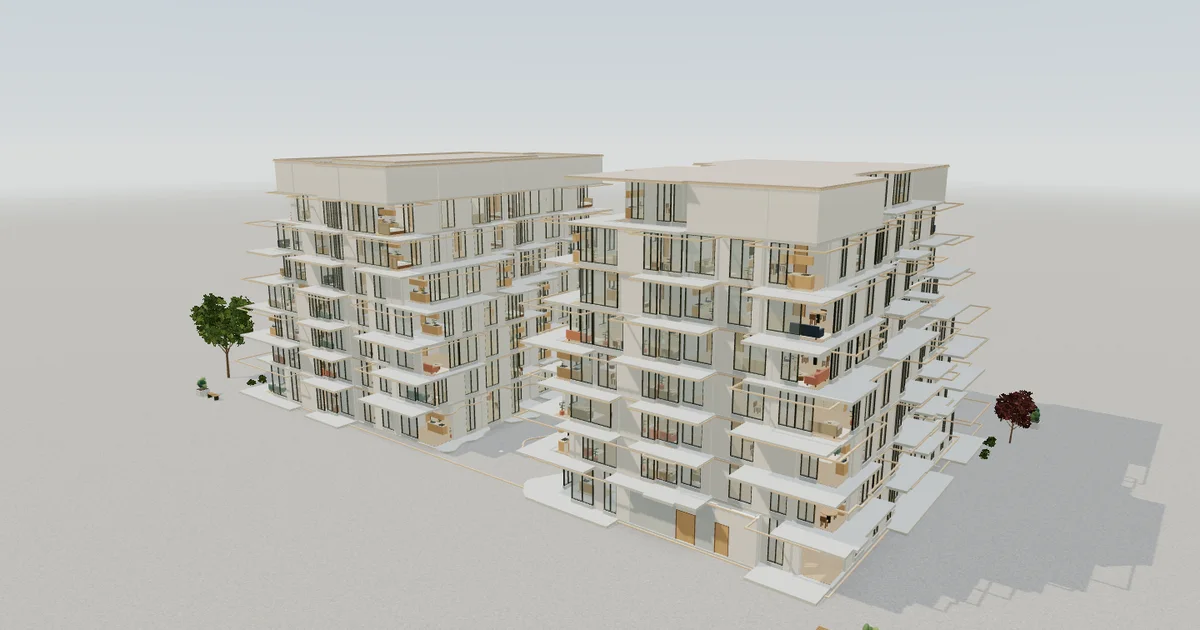
Import a model, check the floors and share a link or printable QR code. Guests can choose a floor and walk through it without signing in.
Let buyers walk through your home before they visit.
Present each property in 3D and share it with a link.
Plan property presentations and share them as tours. AI video is planned.
Help buyers picture a home before it’s built.
| Plan | Monthly subscription | Projects | Published tours | Myuva logo in building tours |
|---|---|---|---|---|
| Free | Free | 1 | 1 | Included |
| Personal | Pending | 5 | 5 | Optional |
| Home Premium | Pending | Unlimited | Unlimited | Optional |
| Agent Pro | Pending | 30 | 30 | Optional |
| Agency | Pending | Unlimited | Unlimited | Optional |
Start with one client building tour with Myuva branding. Active paid subscriptions can remove the logo from shared building tours. Monthly prices are being finalized. AI generation is estimated separately in the Studio.
Open Myuva chatOpen Myuva chat, add one to eight photos of a room and describe your ideas. The assistant asks follow-up questions. You can skip measurements if you don’t know them.
Select the ruler and choose two points, such as the ends of a sofa or wall. Photo-based measurements are approximate. Use a known length to set the real-world scale.
An imported building can be previewed as soon as Myuva finishes reading the model. Photo-based tours depend on the number of rooms and the generation queue. Check progress in the Studio.
Publish the tour and copy the link. For a building tour, download a PNG or SVG QR code to share or print. The editor also offers standalone HTML for offline viewing.
Homeowners, renters, real estate agents, agencies, developers and marketing teams can use Myuva to show a property remotely.
Drafts and original photos are private by default. Anyone with a published viewing link can open the tour until you revoke access. The Studio asks for permission before sending photos for AI analysis.
You can explore the examples for free. The Free plan includes one client building tour with Myuva branding. Paid subscriptions can remove it, and monthly prices are being finalized. Review AI generation estimates before confirming.
Add photos of one room in Myuva chat. Myuva asks about your ideas and helps prepare the next step.